
The AI Fashion Model Generator That Gets You Pro Photos in 60 Seconds
Here's a number that hurts: $2,750. That's what a single fashion photoshoot costs when you add up the photographer, the model, studio rental, hair and makeup, and editing. For about 60 photos.
If you're running a fashion brand doing $30K to $50K in revenue, that's a huge chunk of your budget going to photos.
An AI fashion model generator does the same job for $29 to $199 a month. You upload your clothing, pick from 22 diverse AI models, choose poses, and get professional photos in about 60 seconds. 2K resolution instantly. 4K if you wait 6 to 7 minutes.
And yes, you can try it free. 5,000 credits, no credit card required.
Let me walk you through exactly how this works, what it costs, and whether the quality is actually good enough for your store.
AI models wearing your actual clothing
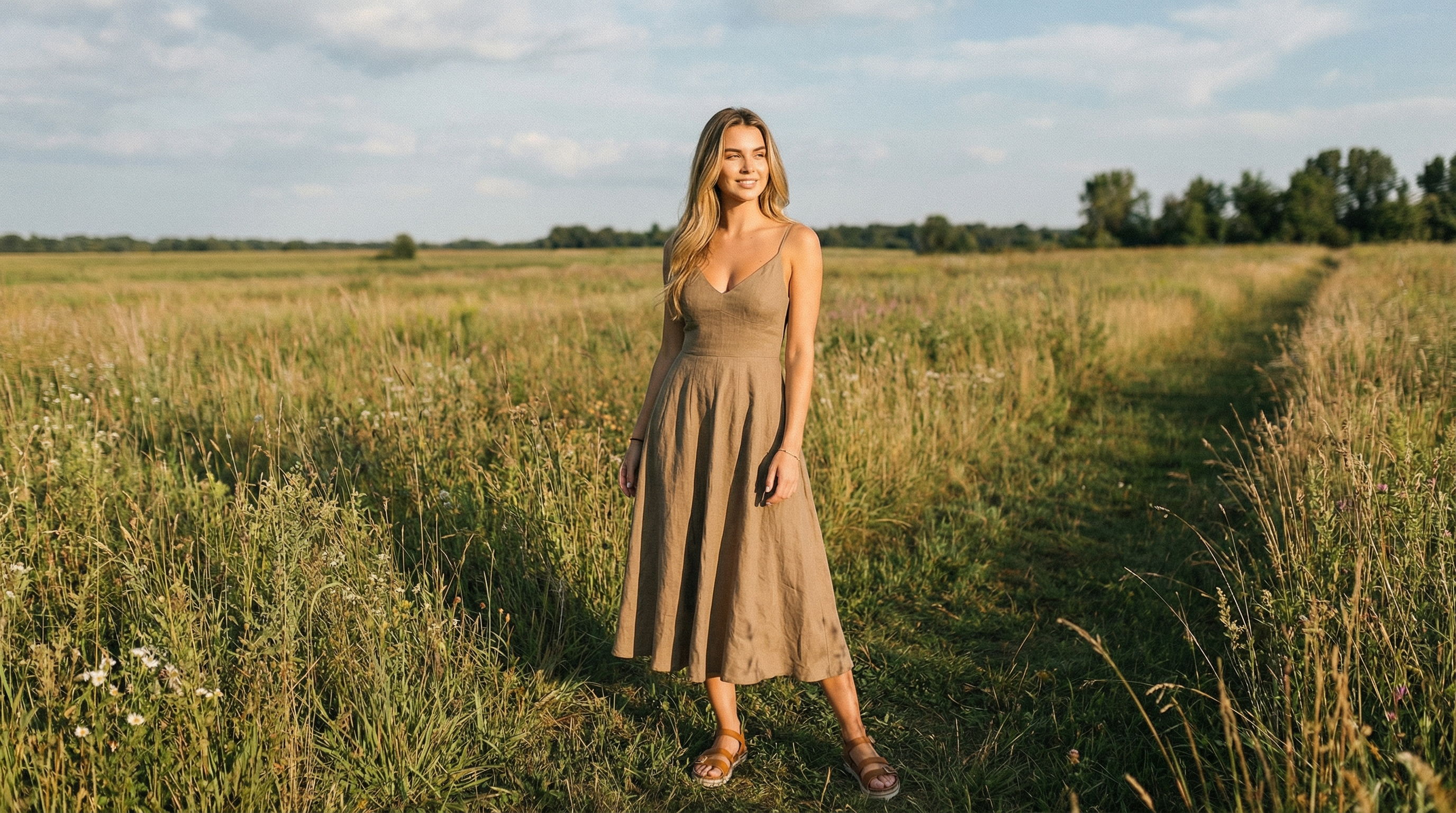 Lifestyle photo — AI modelPostReady
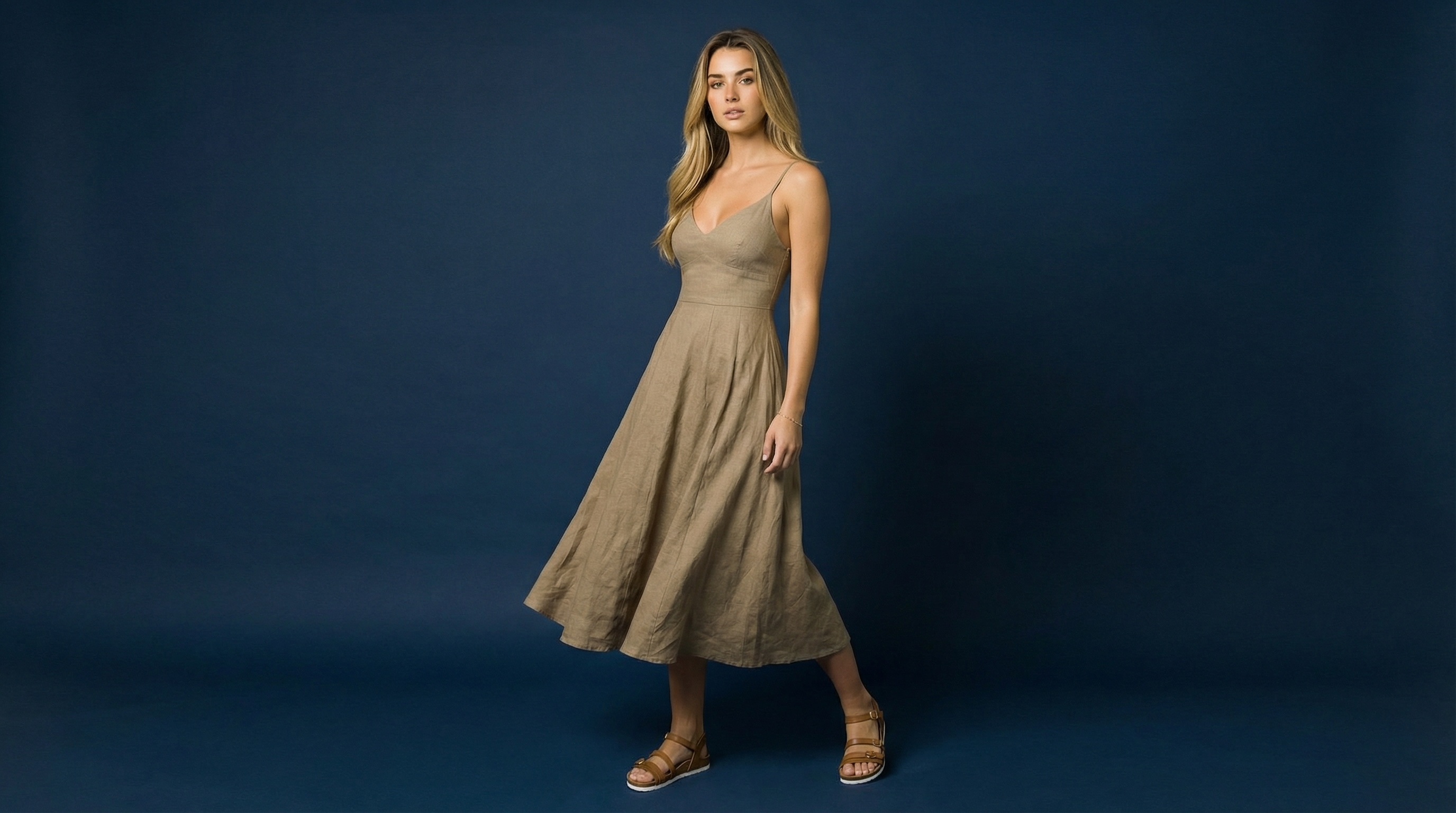 E-commerce photo — AI modelShopReady
One product photo in → studio-quality images out. No camera, no models, no studio.
What Is an AI Fashion Model Generator?
An AI fashion model generator is software that takes photos of your clothing and places them on realistic models made with models in professional poses and settings. Trayve's generator produces 2K to 4K resolution images in 60 seconds across 22 models and 6 poses, serving the $781B fashion e-commerce market.
In plain terms: you take a photo of your shirt, dress, or outfit. The AI puts it on a model that looks like a real person. You get a finished photo that looks like it came from a professional shoot.
Who is this for? Mostly e-commerce brands, Shopify store owners, Etsy sellers, dropshippers, and anyone selling fashion products online. If you need product photos with models on them and you don't have thousands to spend on a photoshoot, Trayve solves this exact problem.
Why does this exist now? Because AI fashion photography has gotten good enough. Two years ago, AI fashion photos looked obviously fake. Now, at 2K and 4K resolution, most people can't tell the difference. Especially on mobile, where most shopping happens.
The fashion e-commerce market is worth $781 billion. There are over 528,000 fashion stores on Shopify alone. Most of them need professional product photography. Most of them can't afford traditional photoshoots. That gap is exactly what an AI fashion model generator fills.
22 models × 6 poses — unlimited combinations
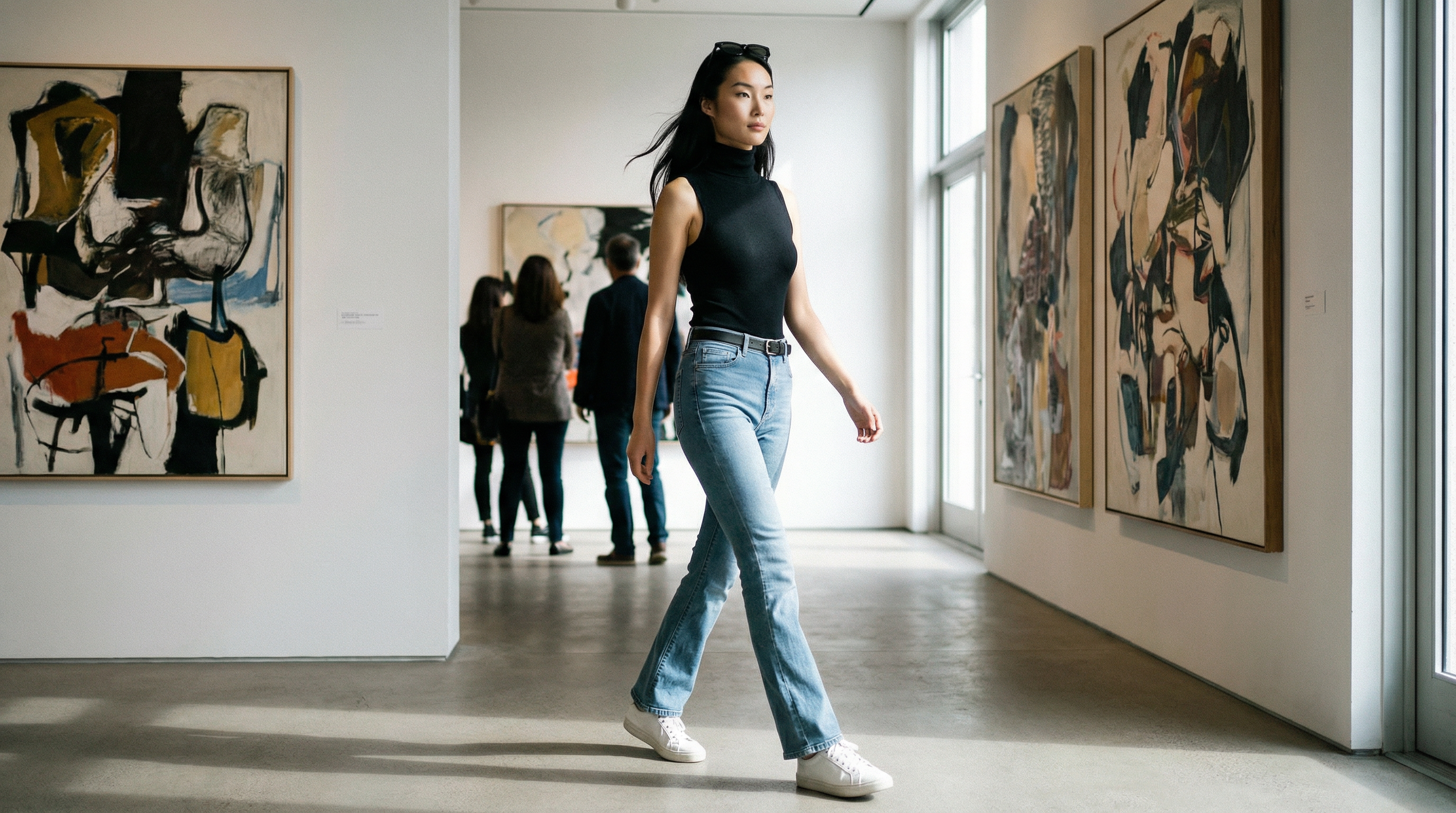 Editorial shoot — Made with TrayvePostReady
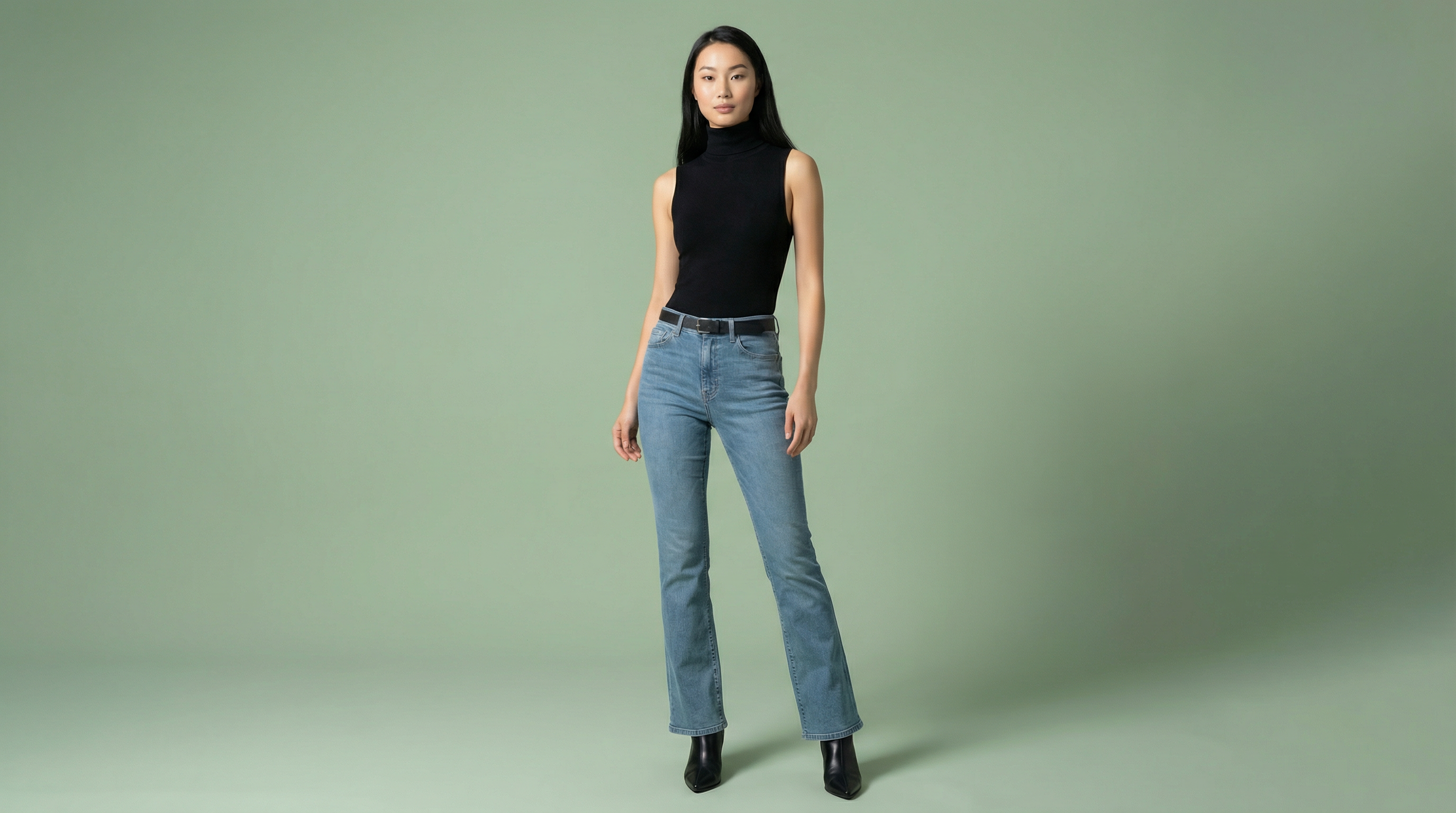 Catalog photo — Made with TrayveShopReady
One product photo in → studio-quality images out. No camera, no models, no studio.
Want to see how it works with your products?
How It Works (5 Steps, No Fluff)
Trayve's AI fashion model generator workflow takes 5 steps from upload to finished photo. The entire process takes about 60 seconds per generation, with each step designed to give you control over the final result without needing any photography or design experience.
Here's the complete process, start to finish.
Upload Your Clothing
Start by uploading photos of your products. You can upload multiple items: a top, bottom, shoes, and accessories. Front and back views give the AI more to work with, so your results will look more accurate.
The upload accepts standard image formats. No need for professional product shots here. A clean photo on a flat surface or hanger works perfectly.
Pick Your Model
Choose from 22 diverse AI models. Different body types, ethnicities, ages, and looks. This is actually one of the biggest advantages over hiring models traditionally. Booking even 3 to 4 diverse models for a traditional shoot would cost $1,500 to $6,000 in model fees alone.
With AI, all 22 models are included at every price tier.
Choose Poses
Browse 6 poses across different categories. Standing, walking, sitting, editorial. You can select up to 4 poses per generation, which means you get multiple angles and styles from a single upload.
Think about how your products show best. A fitted blazer looks great in a standing pose. Casual wear might work better with a walking or lifestyle pose.
Generate in 60 Seconds
Hit generate and wait about 60 seconds. That's it. You get 2K resolution photos instantly. If you need 4K (which is honestly overkill for most e-commerce platforms), that takes 6 to 7 minutes.
Don't like the result? Regenerate. The AI produces slightly different results each time, so you can keep generating until you get something you love.
Download and Use Everywhere
Download your photos and use them wherever you want. Your Shopify store, Amazon listings, Instagram, Facebook ads, email campaigns, wherever. You get full commercial rights to every image you generate.
The photos come sized and formatted for major platforms. No need to manually resize for Instagram vs Shopify vs Amazon.
Ready to test the workflow?
Upload one product image and see the full process yourself. No commitment needed.
What You Can Create
Beyond basic model photos, Trayve's AI fashion model generator offers three distinct content types: Virtual Try-On for product photography, PostReady for social media lifestyle content, and ShopReady for clean e-commerce shots. Each serves a different purpose in your content workflow.
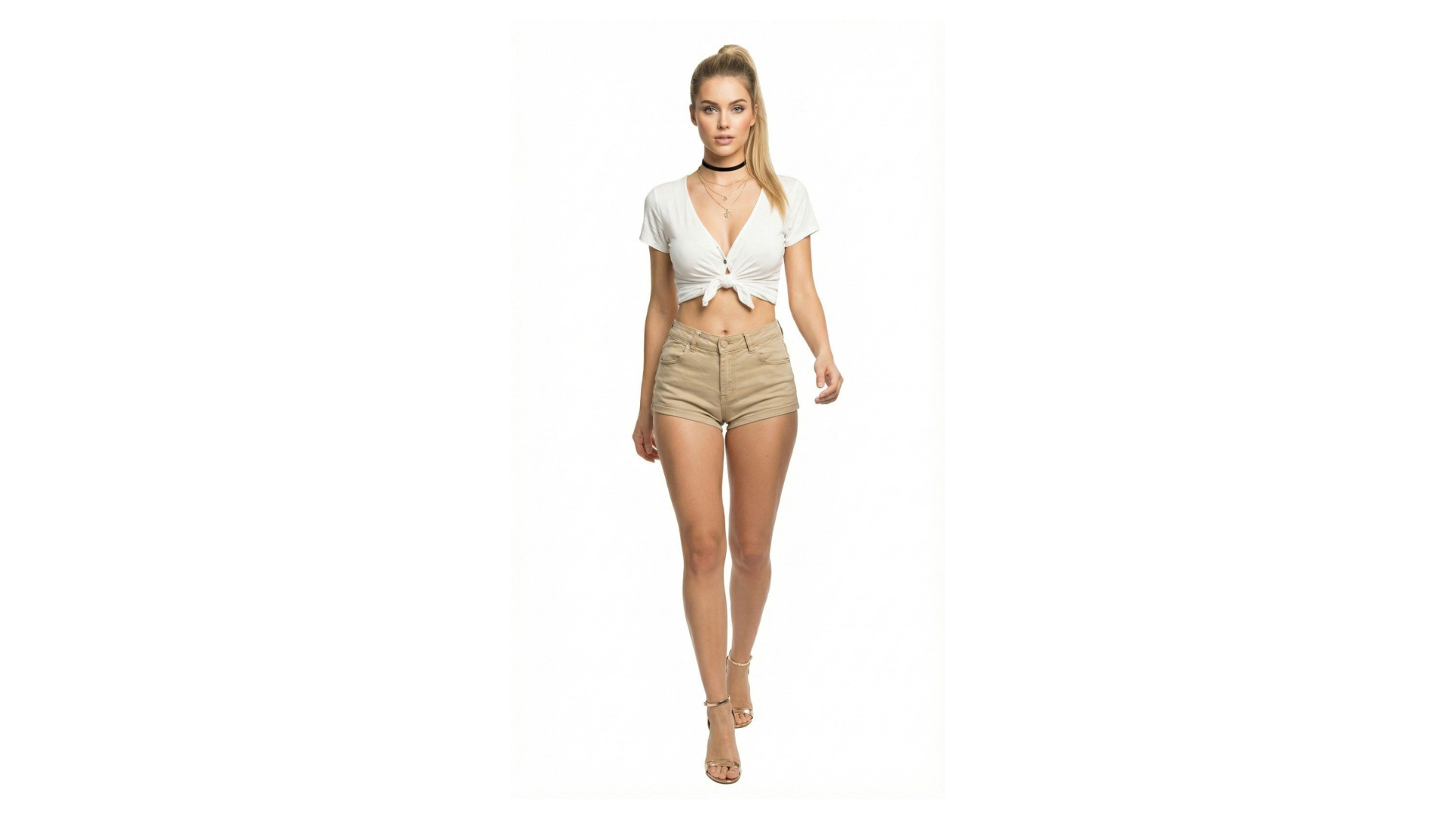
Virtual Try-On
This is the core feature. Upload your individual clothing pieces (top, bottom, shoes) and the AI creates a complete outfit on your chosen model. It's like having a fitting room for your entire catalog.
You get up to 4 poses per generation, and the clothing drapes and fits realistically on the model. This is what most brands use for their main product page photos.
PostReady
PostReady creates lifestyle shots with your products on models in different environments. There are 24 backgrounds to choose from, ranging from urban streetscapes to minimalist studios to outdoor settings.
These are your social media content machine. Instagram posts, Facebook ads, email headers, Pinterest pins. One product can generate dozens of unique lifestyle shots.
ShopReady
ShopReady focuses on clean, e-commerce-ready product photography. White backgrounds, consistent lighting, multiple angles. This is specifically built for marketplace listings where you need clean, professional product shots.
Amazon's strict image requirements? ShopReady handles them. White background, product filling 85% of the frame, high resolution. Done automatically.
Real Cost Comparison
Traditional fashion photography costs an average of $2,750 per shoot for approximately 60 photos. At scale, brands spend 5 to 15% of their revenue on product imagery. An AI fashion model generator reduces this cost by up to 95%, according to BCG research on AI-powered content creation.
Let's talk real numbers. Here's what a traditional fashion photoshoot actually costs:
Traditional Photoshoot Breakdown
Now let's do the math at scale.
50 products, traditional: You'd need multiple shoot days. Budget around $2,292 minimum, and that gets you basic coverage with one model.
50 products, Trayve: $89/month on the Professional plan. Generate all 50 products in an afternoon. Multiple models, multiple poses each. Total cost: $89.
100 products, traditional: Now you're looking at $4,583 or more. Multiple models, multiple days, coordination headaches.
100 products, Trayve: Still $89/month. Maybe $199/month if you want 4K resolution and maximum credits. That's a 95% cost reduction.
For a brand doing $40K in annual revenue, spending $2,750 on one photoshoot is almost 7% of your entire revenue. Spending $89/month ($1,068/year) is 2.7%. And you get unlimited flexibility to reshoot, test new models, and create new content whenever you want.
💡 Quick tip: Start with the free plan to test quality with your actual products. Most brands know within 2-3 generations if it works for them. See all plans
Is It Actually Free?
Trayve offers a free plan with 5,000 credits, access to 6 AI models, and 2K resolution output. No credit card required. Paid plans start at $29/month for the Creator tier, with the most popular Professional plan at $89/month offering 22 models and 4K resolution.
Yes, there's a genuinely free plan. Here's what you get:
That's enough to test it with your actual products and see if the quality works for your brand. You're not committing to anything.
When you're ready to scale up, here are the paid tiers:
Creator at $29/month: More credits, all 22 models, 2K resolution. Good for brands just starting out or with smaller catalogs.
Professional at $89/month: This is where most brands land. 4K resolution, priority generation, higher credit limits. If you're regularly adding products and creating content, this is the sweet spot.
Enterprise at $199/month: Maximum credits, fastest generation, priority support. For brands with large catalogs or high-volume content needs.
All plans come with annual billing options that save you 17%. Check the full pricing breakdown for details.
The 2,000 free credits are enough to generate 2 complete product photos. Test it risk-free.
Does AI Fashion Photography Actually Look Real?
At 2K to 4K resolution, fashion model photos made with Trayve are visually indistinguishable from traditional photography for most e-commerce applications. Shopify data shows product photos made with Trayve deliver 34% higher conversion rates compared to flat-lay images, primarily because shoppers want to see clothing on people.
This is the question everyone asks. And the honest answer is: for e-commerce, yes. It looks real enough.
Here's why. Most people browse shopping sites on their phones. On a 6-inch screen, a 2K resolution photo made with Trayve photo is indistinguishable from a traditional photo. The lighting is consistent, the clothing fits naturally on the model, and the overall quality is professional.
Shopify's own data shows that product pages with model photos (as opposed to flat lays or mannequin shots) see 34% higher conversion rates. Customers want to see clothes on people. AI gives you that without the photoshoot.
Now, let's be honest about the limitations.
Complex patterns like small plaids or intricate prints can sometimes lose detail. Very flowy fabrics like silk or chiffon may not drape with 100% accuracy. And if you're selling haute couture where every stitch matters, you probably still want traditional photography for your hero shots.
But for the vast majority of fashion e-commerce (casual wear, streetwear, basics, accessories, activewear), AI photos work. And they work well.
How Trayve Compares to Other AI Fashion Apps
The AI fashion photography market includes several tools, but most fall short on speed, quality, or affordability. Botika averages 2.7 out of 5 stars with reports of 15+ minute generation times. Caimera starts at $117/month with enterprise-focused pricing. Trayve fills the gap with 60-second generation, 22 models, and plans starting at $29/month.
There are other AI fashion model generators out there. Here's how they stack up. (You can also see our full alternatives comparison for a deeper breakdown.)
Botika
Botika has been around for a while, but user reviews paint a clear picture. A 2.7 out of 5 star rating on the Shopify App Store. Common complaints include slow generation (15+ minutes per photo), inconsistent quality, and limited customization. The lower price point reflects the lower output quality. See how it stacks up in our Botika vs Trayve comparison.
Caimera
Caimera goes in the opposite direction. It's an enterprise solution starting at $117 to $1,500 per month. If you're a large fashion brand with a dedicated photography budget, it might make sense. But for small to mid-size brands, it's priced out of reach. And there's no self-serve signup. You need to talk to sales. Read the Caimera vs Trayve breakdown.
Trayve
Our pickTrayve fills the gap between these two. Fast generation (60 seconds vs 15+ minutes). Professional quality (2K to 4K). Affordable ($29 to $199/month). Complete workflow (Virtual Try-On + PostReady + ShopReady, not just one tool). 22 models and 6 poses included at every tier. And you can start free without talking to anyone.
The biggest difference is the complete workflow. Most other tools do one thing. Trayve gives you product photos (Virtual Try-On), lifestyle content (PostReady), and e-commerce shots (ShopReady) in one place. That means you're not juggling three different tools to get your content done.
| Feature | Trayve | Botika | Caimera |
|---|---|---|---|
| Speed | 60 seconds | 8-12 min | Varies |
| Starting Price | $29/mo | $33/mo | $15/mo |
| Free Plan | 2 images | 8 photos | 50 credits |
| AI Models | 22 | Gallery | Custom |
| Poses | 80 | Many | Custom |
| Resolution | 2K / 4K | HD to 4K | 4K billboard |
| Complete Workflow | 3 tools | Model + Video | Model + Video |
| Video Generation | Coming soon | Yes | Yes |
| Self-Serve Signup | Yes | Yes | Yes |