
Amazon Product Photos That Actually Pass Their White Background Requirements
Amazon's image requirements are brutal. Pure white background (RGB 255, 255, 255). Minimum 1000px on the longest side. Product must fill 85% of the frame. Get it wrong and your listing gets rejected.
I've seen sellers spend hours in Photoshop trying to get the background perfectly white. Or they pay $15-$45 per image for someone on Fiverr to do it. For a 100-product catalog, that's $1,500-$4,500 just to fix backgrounds.
Here's what changed: AI can now generate fashion model photos with perfect white backgrounds that meet Amazon's requirements automatically. Upload your clothing, pick a model, generate. 60 seconds later you've got Amazon-compliant photos at exactly RGB 255, 255, 255.
Let me show you how this works, why Amazon's so strict about it, and how to actually pass their image review on the first try.
Amazon-compliant photos from one flat lay
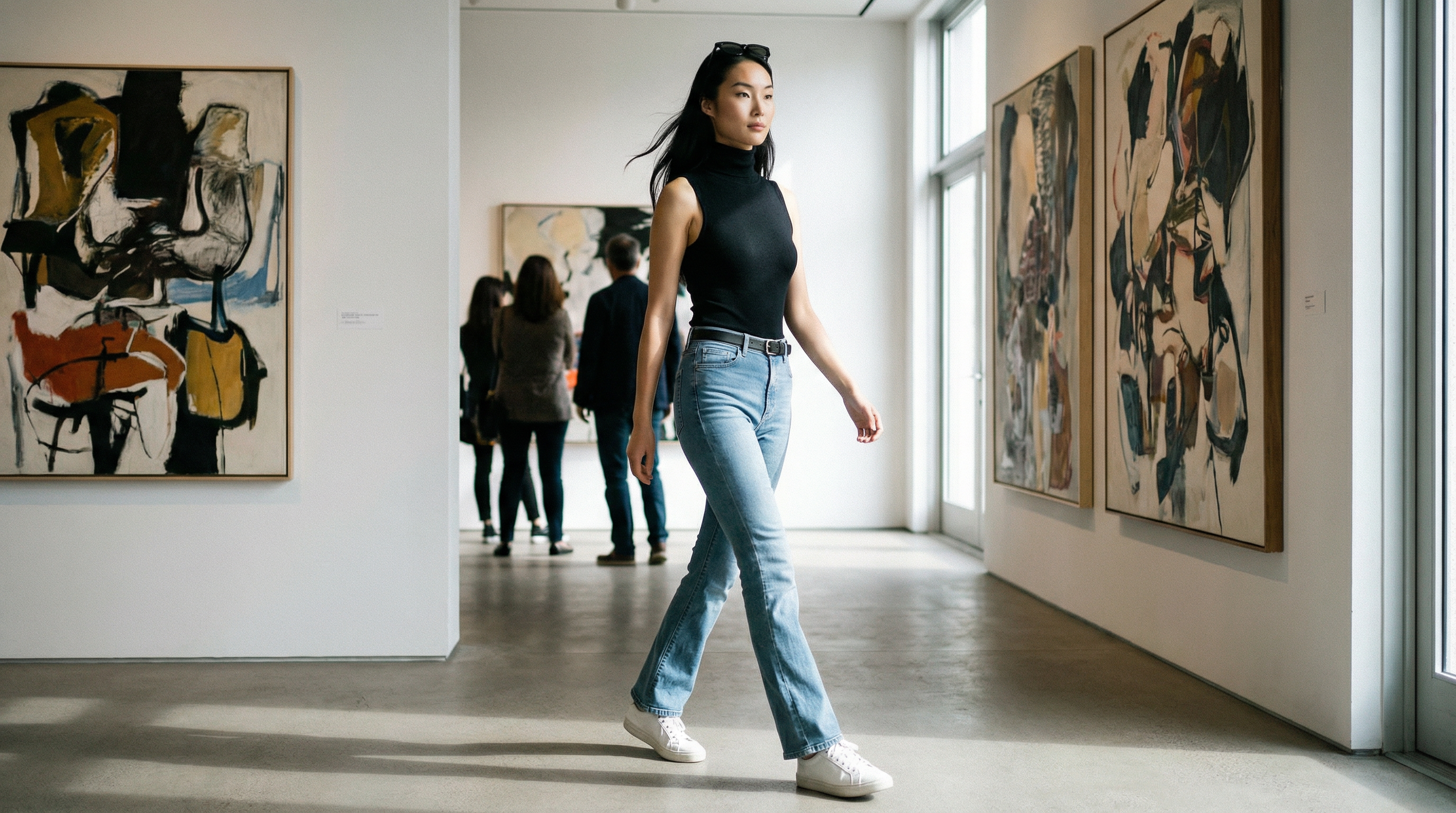 Lifestyle photo — Made with TrayvePostReady
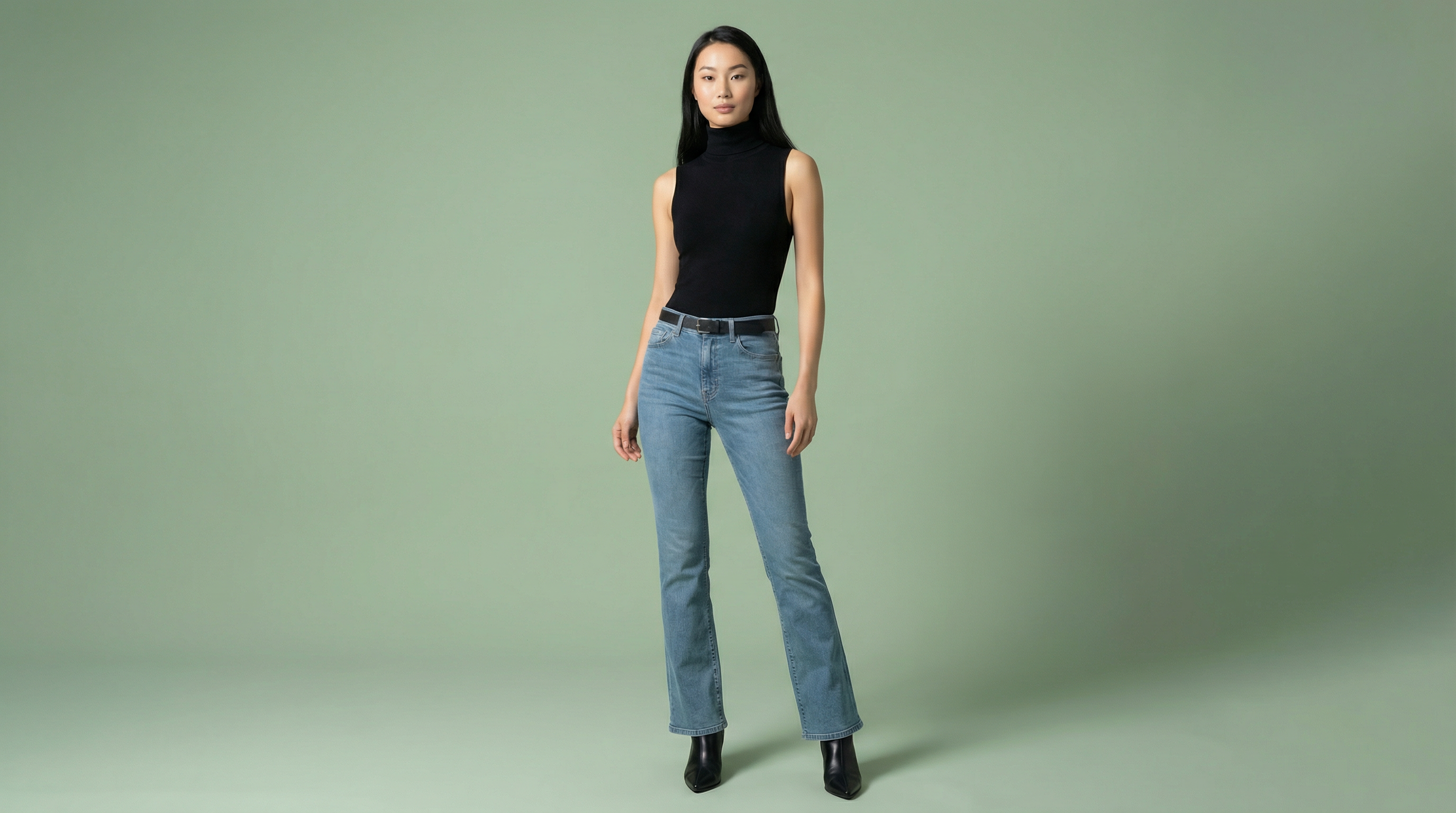 Product photo — Made with TrayveShopReady
One product photo in → studio-quality images out. No camera, no models, no studio.
Amazon Got Stricter in 2025
Here's what changed: Amazon rolled out AI-based image scanning in 2025. Non-compliant images get caught in hours, not days.
Before 2025, you could upload photos that were slightly off-spec and they'd sit there for weeks before someone noticed. Maybe your white background was RGB 254,254,254 instead of 255,255,255. Maybe your product only filled 80% of the frame instead of 85%. You'd get away with it.
Not anymore. Amazon's automated system now scans every uploaded image and flags violations automatically. You'll get a rejection notice within hours, sometimes minutes.
What Amazon's AI Checks:
- Exact RGB 255,255,255 - Not "white-ish." Exact.
- 1600px minimum - For zoom functionality
- 85%+ product coverage - Product must fill the frame
- File format - JPEG, PNG, TIFF, or non-animated GIF only
The good news? ShopReady mode handles all of this automatically.
When you generate Amazon product photos with ShopReady, the output is already:
- •Exactly RGB 255,255,255 white background
- •2048x2048px (exceeds Amazon's 1600px minimum)
- •Product properly framed at 85%+ coverage
- •JPG format, under 20MB
No manual adjustments. No rejections. Just download and upload to Amazon.
Why Amazon's White Background Rule Exists
Amazon requires RGB 255, 255, 255 white backgrounds on main product images because it creates a consistent shopping experience. When every listing looks uniform, customers focus on the product, not the photography. It's annoying for sellers, but it works for conversions.
Let me explain why Amazon's so strict about this:
- •It's about trust - When all products have the same clean white background, customers trust the marketplace more. It feels professional and consistent.
- •It levels the playing field - A seller with a $10K photography budget can't dominate search results with fancy lifestyle shots. Everyone gets the same canvas: white background, product front and center.
- •It reduces decision fatigue - Customers are comparing 20+ products. White backgrounds make comparison easier. They're looking at the product, not the presentation.
- •It works on mobile - 70% of Amazon traffic is mobile. White backgrounds look clean on small screens. Busy backgrounds make products hard to see.
The problem? Getting that perfect RGB 255, 255, 255 white is harder than it sounds. Regular white backgrounds in photos are usually RGB 240-250. Amazon's algorithm catches that and rejects your listing.
Traditional solution: hire someone to manually edit each photo in Photoshop. Background removal, pure white fill, proper sizing. Costs $15-$45 per image depending on complexity. For 100 products, you're looking at $1,500-$4,500 just for background editing.
AI solution: the ShopReady tool generates photos with pure RGB 255, 255, 255 backgrounds automatically. No editing needed. No rejections. Upload clothing, pick model, generate. The output passes Amazon's requirements on the first try.
The math: 100 products with Fiverr editing = $2,500 average. With AI = $89/month. That's why Amazon sellers are switching.
One upload → every Amazon image slot filled
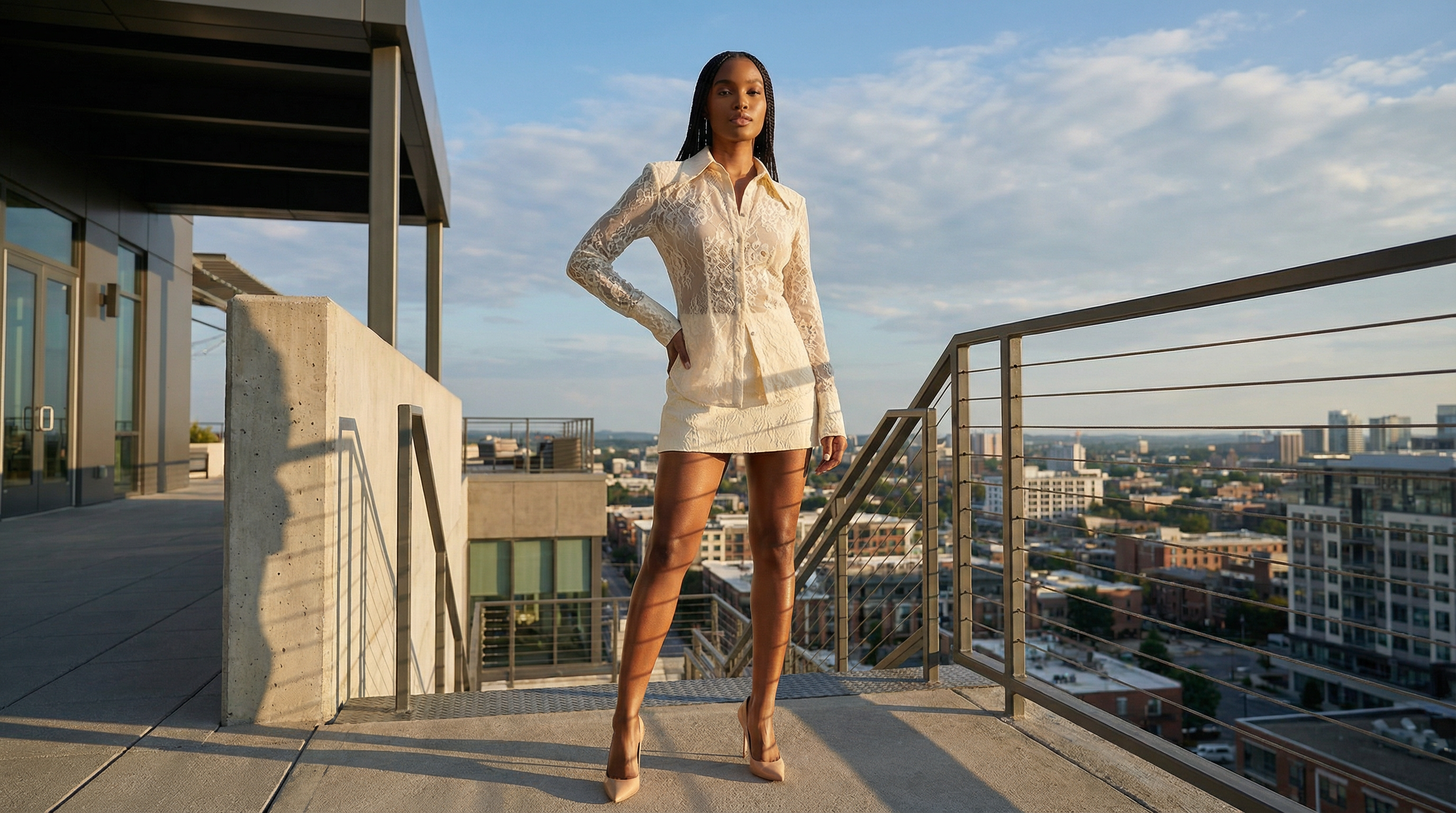 Editorial content — Made with TrayvePostReady
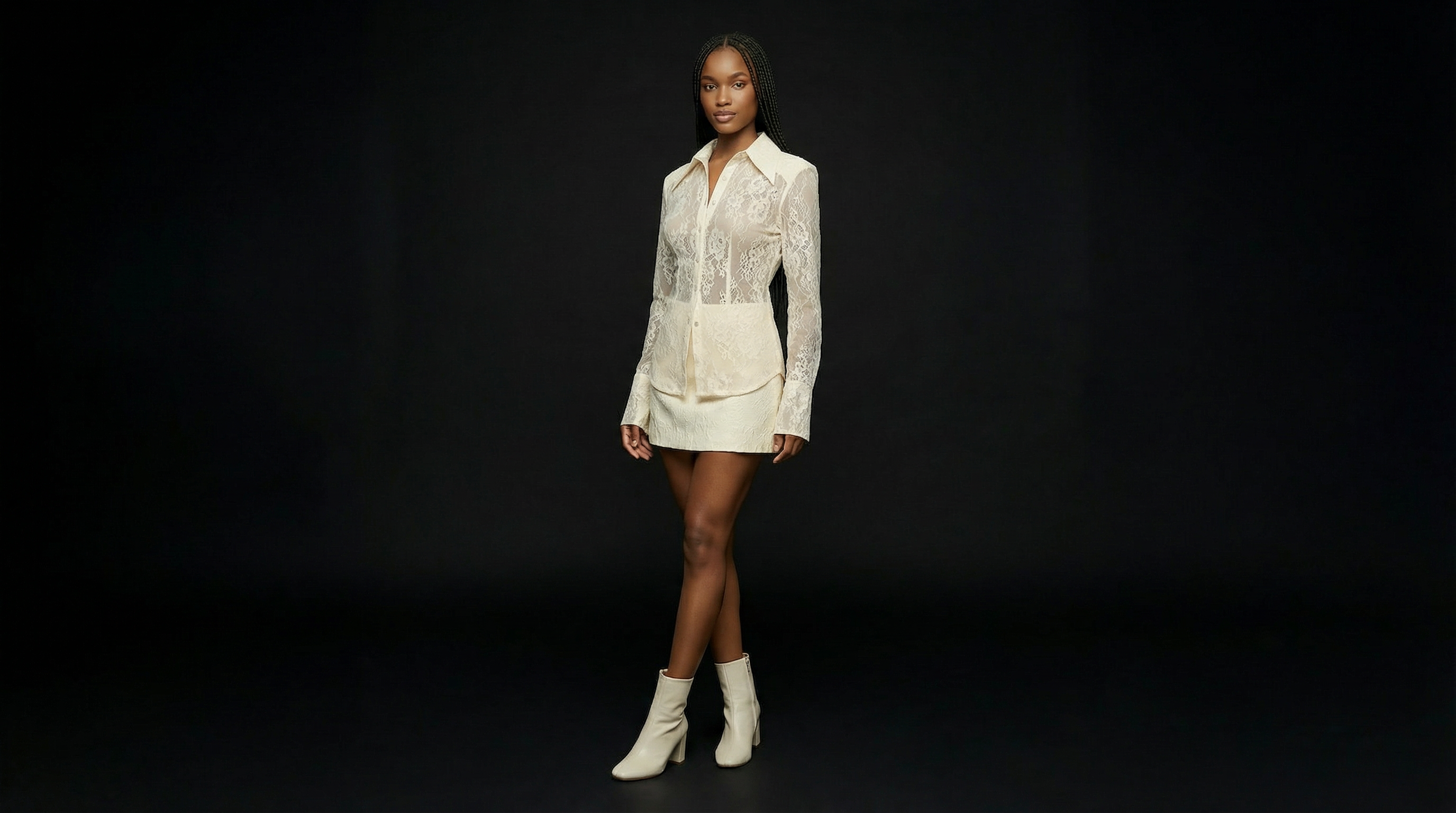 Catalog listing — Made with TrayveShopReady
One product photo in → studio-quality images out. No camera, no models, no studio.
How This Actually Works (It's Pretty Simple)
I'm going to walk you through the whole thing. Takes about 2-3 minutes per product once you've done it a couple times. Five steps: upload your clothing pic, pick an AI model, select ShopReady mode for white background, hit generate, download and use it. The output already meets Amazon's specs.
Here's exactly what you do:
Upload Your Clothing
Take photos of your products. You can upload just one item or build a whole outfit (top, bottom, shoes, accessories). Front view works great. Back view helps but isn't required.
These don't need to be perfect. A flat surface or hanger with decent lighting is all you need. Any background works - the AI will replace it with pure white. JPG or PNG format.
Pick Your Model
You've got 22 AI models to pick from. Different body types, skin tones, ages. Pick one that matches your target Amazon customer.
This is huge for Amazon because you can test the same product with different models to see what converts better. In traditional photography, booking even 2 models costs $1,000. With AI, all 22 are included.
Select ShopReady Mode (White Background)
This is the key part. Select ShopReady mode which is specifically built for Amazon. It automatically generates images with pure RGB 255, 255, 255 white backgrounds that meet Amazon's requirements.
You can also pick from 6 poses. Standing front view is most common for Amazon main images. Save the creative poses for secondary images.
Hit Generate
Click generate. 60 seconds later you've got a 2K resolution image with perfect white background. If you need higher res (Amazon recommends 2000px minimum), 4K takes 6-7 minutes.
Don't like the result? Regenerate with different settings. Keep trying until you get something that looks great for your Amazon listing.
Upload to Amazon
Download and upload to your Amazon listing. The images already meet Amazon's requirements: 1000px minimum on longest side, RGB 255 white background, product fills 85% of frame, JPG or PNG, under 10MB.
Use these for your main product image. You can also generate lifestyle shots with PostReady mode for secondary images (positions 2-7) and A+ Content.
Watch: ShopReady Mode for Amazon
Quick guide showing how to create Amazon-compliant white background photos with ShopReady mode
Amazon's Exact White Background Requirements
Amazon's main product image must have a pure white background at exactly RGB 255, 255, 255. Not RGB 250, not "white enough" - exactly 255. Product should fill 85% or more of the image. Minimum 1000 pixels on the longest side, but 2000px is recommended. JPG or PNG only.
Amazon's Official Requirements:
- Pure white background: RGB 255, 255, 255 (not 254, not 250, exactly 255)
- Minimum size: 1000 pixels on longest side (2000px recommended for zoom)
- Product framing: Product must fill 85% or more of image frame
- File format: JPG or PNG (JPEG preferred for smaller file size)
- Max file size: 10MB (realistically keep it under 5MB for fast loading)
- No text, graphics, or watermarks: Main image must be product only
How AI Meets These Specs:
Automatic RGB 255 white: ShopReady mode generates backgrounds at exactly RGB 255, 255, 255. No manual color correction needed.
Proper sizing: 2K outputs are 2048x2730px. 4K outputs are 4096x5461px. Both exceed Amazon's 1000px minimum and 2000px recommendation.
Correct framing: AI automatically frames the product to fill 85-90% of the image, meeting Amazon's requirement.
Format and compression: JPG output, optimized file sizes under 5MB. Uploads fast, loads fast for customers.
Bottom line: these AI tools are built specifically for Amazon's strict requirements. The outputs pass Amazon's image review automatically. You won't get rejection emails about backgrounds not being white enough.
Real Talk: What Does This Cost vs Traditional Options?
Traditional Amazon product photography: $2,750 photoshoot + $2,500 for background editing on 100 products = $5,250 total. AI: $89/month for unlimited regenerations across 95+ products. That's a 94% cost reduction.
Traditional Amazon Photography Breakdown
= $52.50 per photo (and you need multiple angles)
AI for 100 Products
Savings: $5,161 compared to traditional ($5,250 traditional vs $89 AI)
That's a 94% cost reduction
Here's what this means for Amazon sellers. If you're launching a 50-100 product catalog, traditional photography + editing is eating $2,500-$5,250 of your budget. For AI, you're paying $89/month total.
And with AI, you can regenerate unlimited times. Don't like a photo? Try a different model, different pose, different angle. With traditional photography, you get one shoot and hope it works.
Complete Amazon Image Requirements Checklist
Amazon has different requirements for main images, secondary images, and A+ Content. Main image: pure white background required. Secondary images (2-7): lifestyle photos allowed. A+ Content: full creative freedom. The AI handles all three formats automatically.
Main Image (Position 1) Requirements:
- Pure white background (RGB 255, 255, 255)
- Product fills 85% of frame
- No text, graphics, or watermarks
- Product must be in focus
- No props or lifestyle elements
Secondary Images (Positions 2-7):
- Lifestyle photos allowed (no white background required)
- Can show product in use or worn by models
- Text overlays allowed (sizing charts, features, etc.)
- Multiple angles and detail shots recommended
A+ Content Requirements:
- Full creative freedom (no white background required)
- Lifestyle images, comparison charts, brand story
- Text and graphics encouraged
How to Use AI for All Three:
Main image: Use ShopReady mode. Pure white background, clean product shot, front view. Passes Amazon's requirements automatically.
Secondary images: Use PostReady mode with lifestyle backgrounds (urban, studio, outdoor, etc.). Show different angles and contexts.
A+ Content: Use PostReady with various backgrounds. Generate comparison shots, lifestyle scenes, product details.
This is why AI makes sense for Amazon. You need 3 different types of content. Traditional photography would require multiple shoots or extensive editing. AI generates all three formats in the same workflow.
Does It Actually Look Real on Amazon?
On Amazon, where 70% of traffic is mobile and customers are comparing 20+ products quickly, photos made with Trayve at 2K resolution look completely professional. The white background standard actually helps because everyone's photos look similar - customers focus on the product, not the photography quality.
This is what every Amazon seller asks first.
Here's the reality: on Amazon, the white background requirement levels the playing field. All products look similar stylistically. Customers aren't inspecting photography quality - they're comparing products quickly.
At 2K and 4K resolution, photos made with Trayve are indistinguishable from real photography on Amazon listings. Especially on mobile where most traffic happens. The small screen + white background standard = AI looks perfect.
Amazon sellers report no difference in conversion rates between AI photos and traditional photography as long as the product is clearly visible and the background is perfectly white. The "realness" doesn't matter as much as clarity and compliance.
Limitations to be aware of: super intricate patterns (tiny florals, complex embroidery) can lose fine detail. Very sheer or transparent fabrics sometimes render oddly. If you're selling high-end luxury with extremely detailed construction, traditional photography might still be better.
But for 90% of Amazon fashion - basics, activewear, casual wear, accessories, swimwear - AI works perfectly. Clean, professional, Amazon-compliant.
Test it yourself: Free plan gives you 5,000 credits. Generate photos for 5 products. Upload to Amazon. Check if they pass image review (they will). Then watch your conversion rate. That's the real test.
Test with your actual Amazon products.
What Does This Look Like for Real Amazon Sellers?
Amazon sellers launching new product lines typically spend $5,000-$8,000 on photography + background editing for 80-100 SKUs. With AI, that drops to $89/month. For a seller doing $120K annually, that's switching from 4-7% of revenue on photos to 0.9%.
Here's what this looks like for an actual Amazon seller:
Before: Traditional Photography + Editing
- The situation: Amazon seller launching new apparel line, 80 SKUs
- Photography cost: $3,200 for photoshoot (2 days, model, studio)
- Background editing: $2,000 (80 images at $25/each for perfect white background)
- Total cost: $5,200
- Annual revenue: $120,000
- Photography as % of revenue: 4.3%
After: AI Photography
- What they did: Generated all 80 SKUs with ShopReady in one weekend
- Cost: $89/month Professional plan
- Background editing cost: $0 (automatic RGB 255 white)
- Annual cost: $1,068 ($89/month x 12)
- Annual revenue: $120,000
- Photography as % of revenue: 0.9%
- Savings: $4,132 in first year
The math matters for Amazon sellers because photography is usually a huge upfront cost when launching new products. Switching to AI means you can launch more SKUs, test more products, and iterate faster without worrying about photography budget.
And unlike traditional photography where you're stuck with what you got, with AI you can regenerate anytime. New season? Regenerate with different backgrounds. Want to test A/B with different models? Do it. All included in the same $89/month.
What Does This Cost?
Four tiers: Free (5,000 credits to test), Creator ($29/month, 30K credits), Professional ($89/month, 95K credits - most Amazon sellers get this), and Enterprise ($199/month, 220K credits for large catalogs). Pay annually and save 17%.
All plans include access to all 22 models, all 6 poses, all three content types (Virtual Try-On, PostReady, ShopReady). The only difference is how many credits you get and whether you can do 4K resolution.
Free
Perfect for: Testing with your actual Amazon products
- 5,000 credits (5 products with multiple photos)
- 6 AI models
- 2K resolution
- ShopReady white background mode
- No credit card required
Creator
$24/month billed annually
Perfect for: New Amazon sellers, small catalogs
- 30,000 credits (30+ products)
- All 22 AI models
- 2K resolution
- All 3 content tools
- Email support
Professional
$74/month billed annually
Perfect for: Most Amazon sellers, 50-100 SKUs
- 95,000 credits (95+ products)
- All 22 AI models
- 2K + 4K resolution
- All 3 content tools
- Priority support
Enterprise
$165/month billed annually
Perfect for: Large catalogs, agencies, 150+ SKUs
- 220,000 credits (220+ products)
- All 22 AI models
- 2K + 4K resolution
- All 3 content tools
- Dedicated support
Most Amazon sellers end up on Professional at $89/month. Covers 95+ products, includes 4K, and you get priority support.